Minesweeper
Introduction
Minesweeper is a classic puzzle game that became famous as a standard Windows application. This emoji-themed version brings a fresh, fun twist to the timeless logic game. The objective is to clear a rectangular board containing hidden mines without detonating any of them. Using logic and deduction, you must identify all the mines while uncovering all safe squares. The game tests your analytical thinking and risk assessment skills.
Gameplay
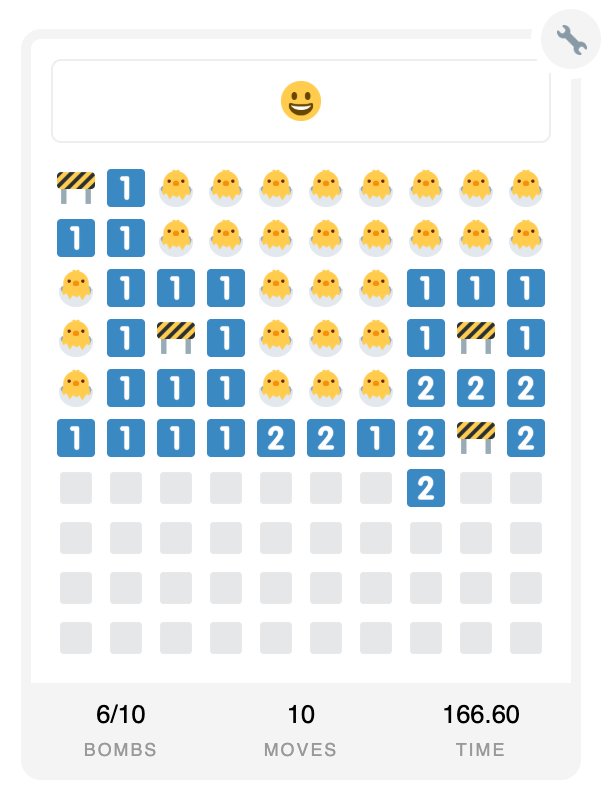
The game board consists of a grid of covered squares, some of which hide mines. Click on a square to reveal it. If you click on a mine, the game ends. If you click on a safe square, it reveals a number indicating how many mines are in the adjacent squares (including diagonals). Use these numbers to deduce which squares contain mines. Right-click or long-press to flag squares you suspect contain mines. Clear all non-mine squares to win. The first click is always safe, and the challenge increases with larger board sizes and more mines.
Controls
Left-click on a square to reveal it. Right-click or long-press on a square to place or remove a flag marking a suspected mine. On touch devices, tap to reveal and long-press to flag. Use the numbers on revealed squares to determine where mines are located. The game timer starts when you make your first click. Choose difficulty levels to adjust board size and mine count.